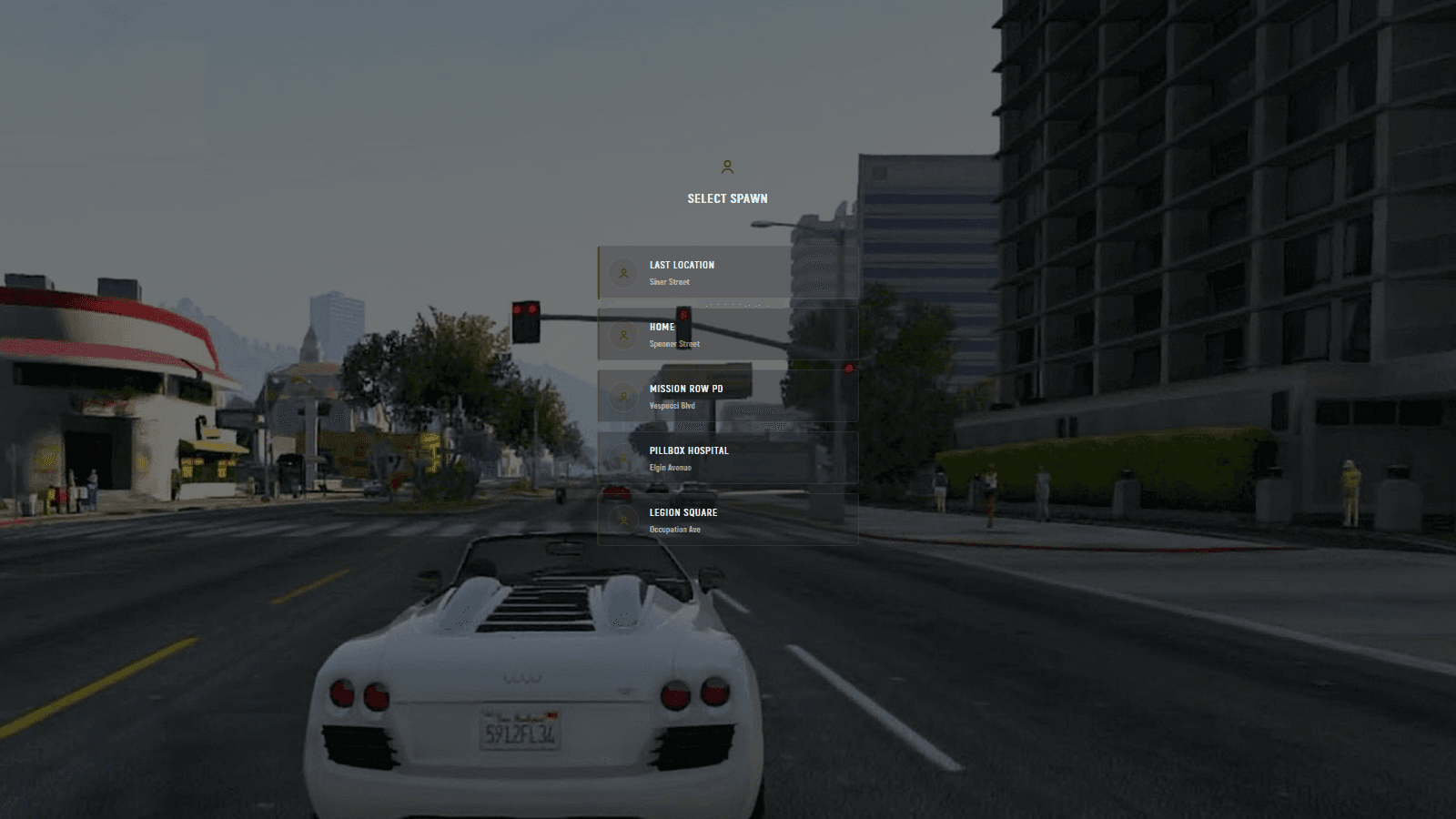
UI Designs
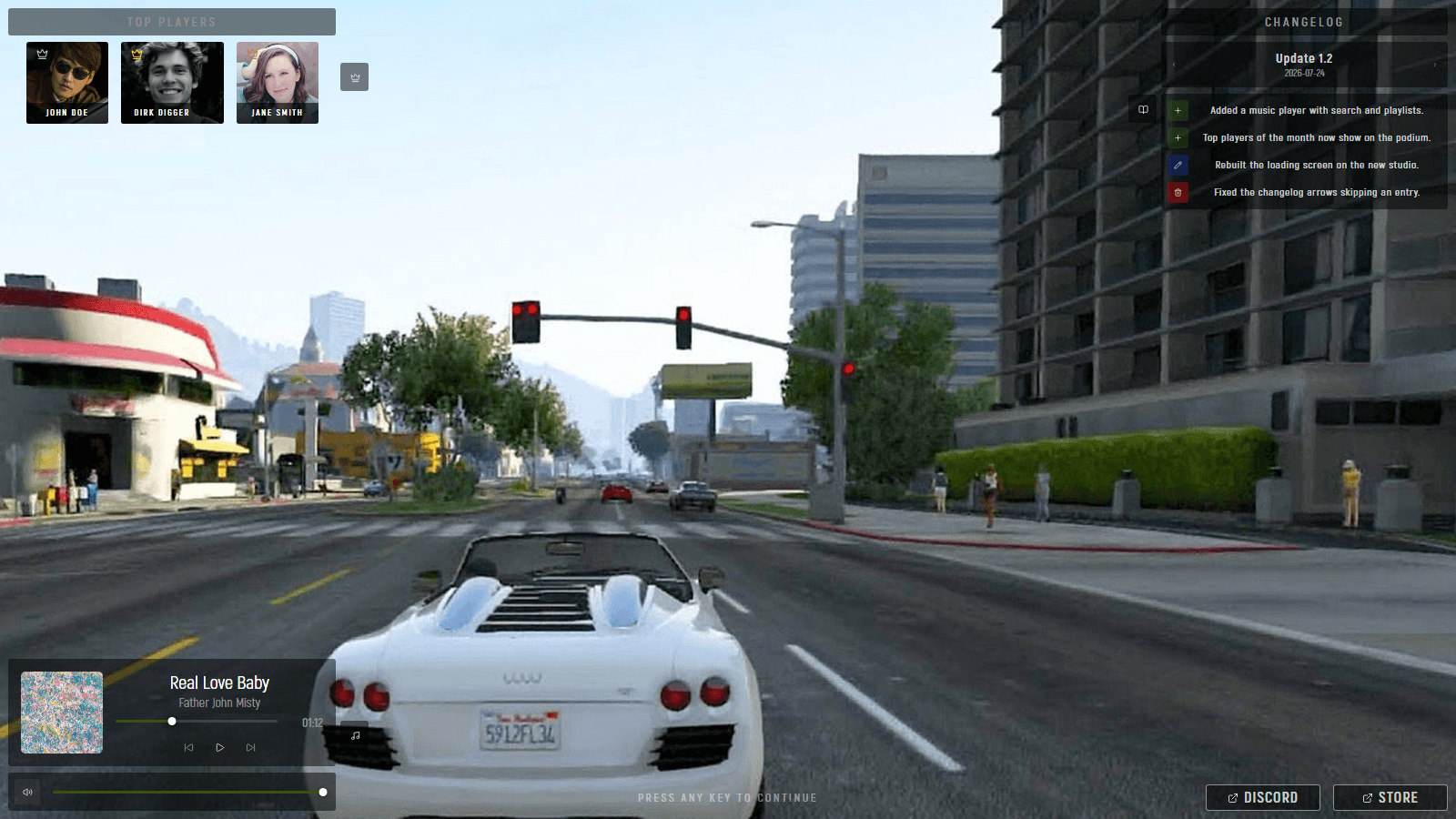
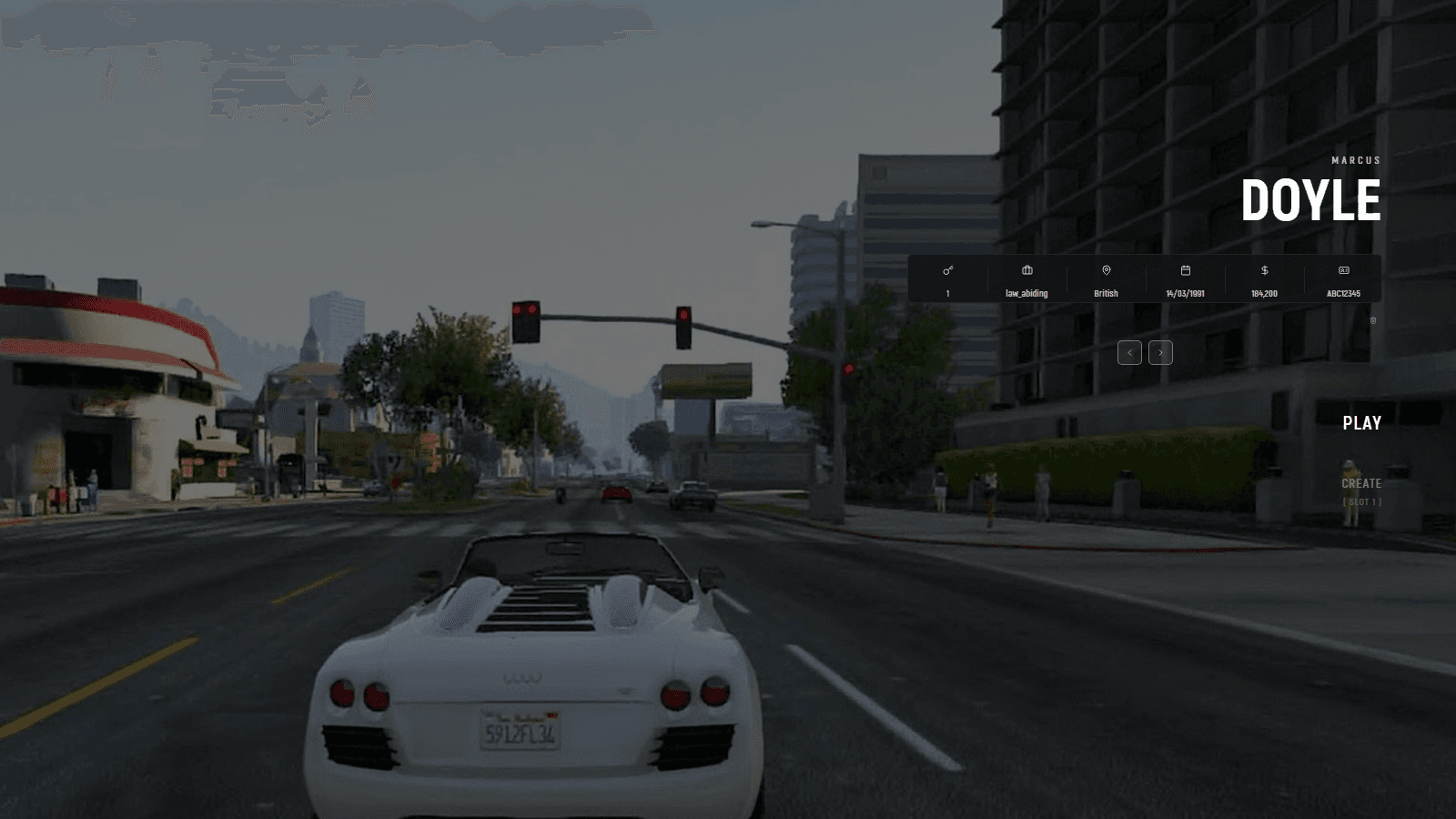
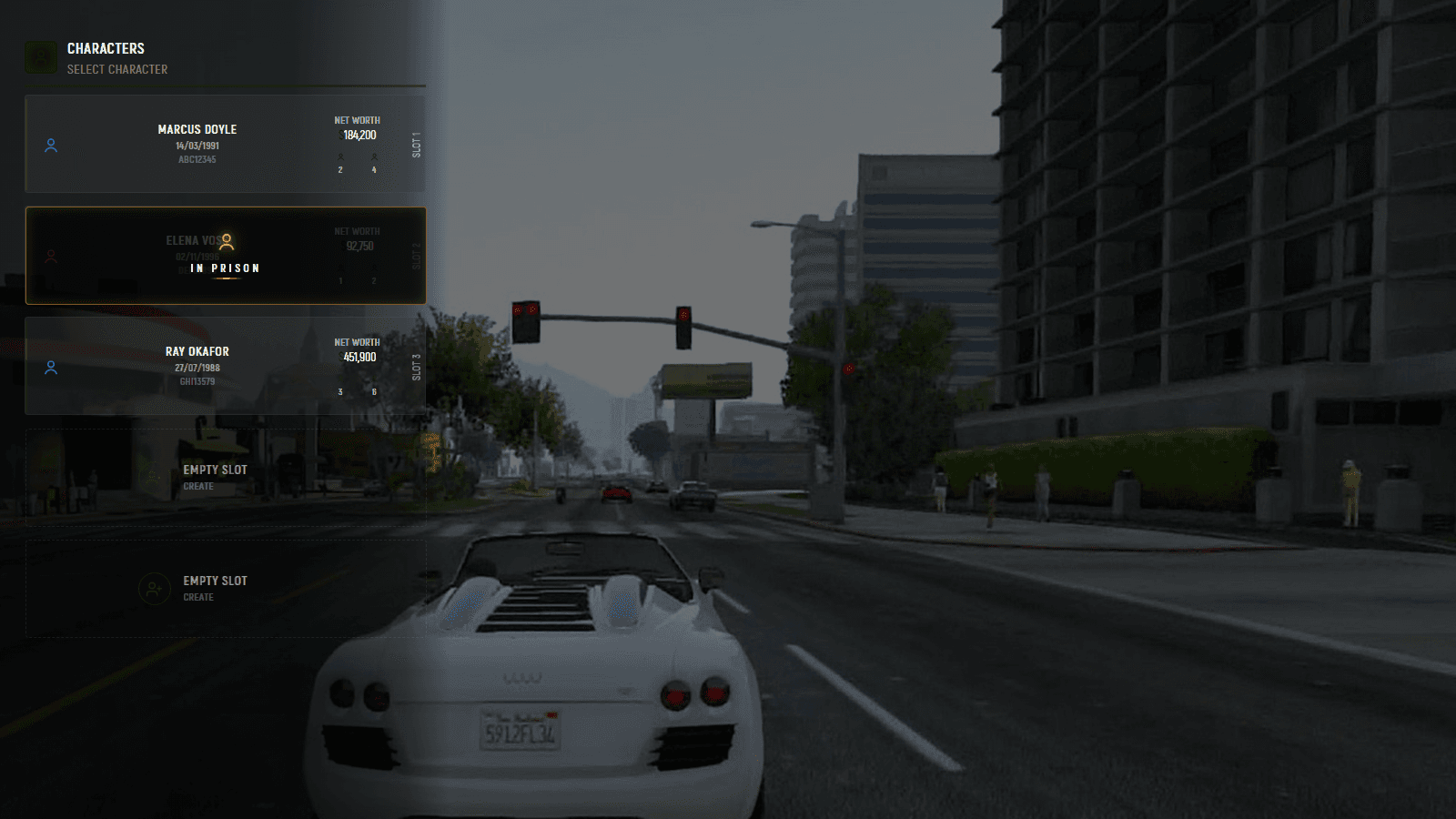
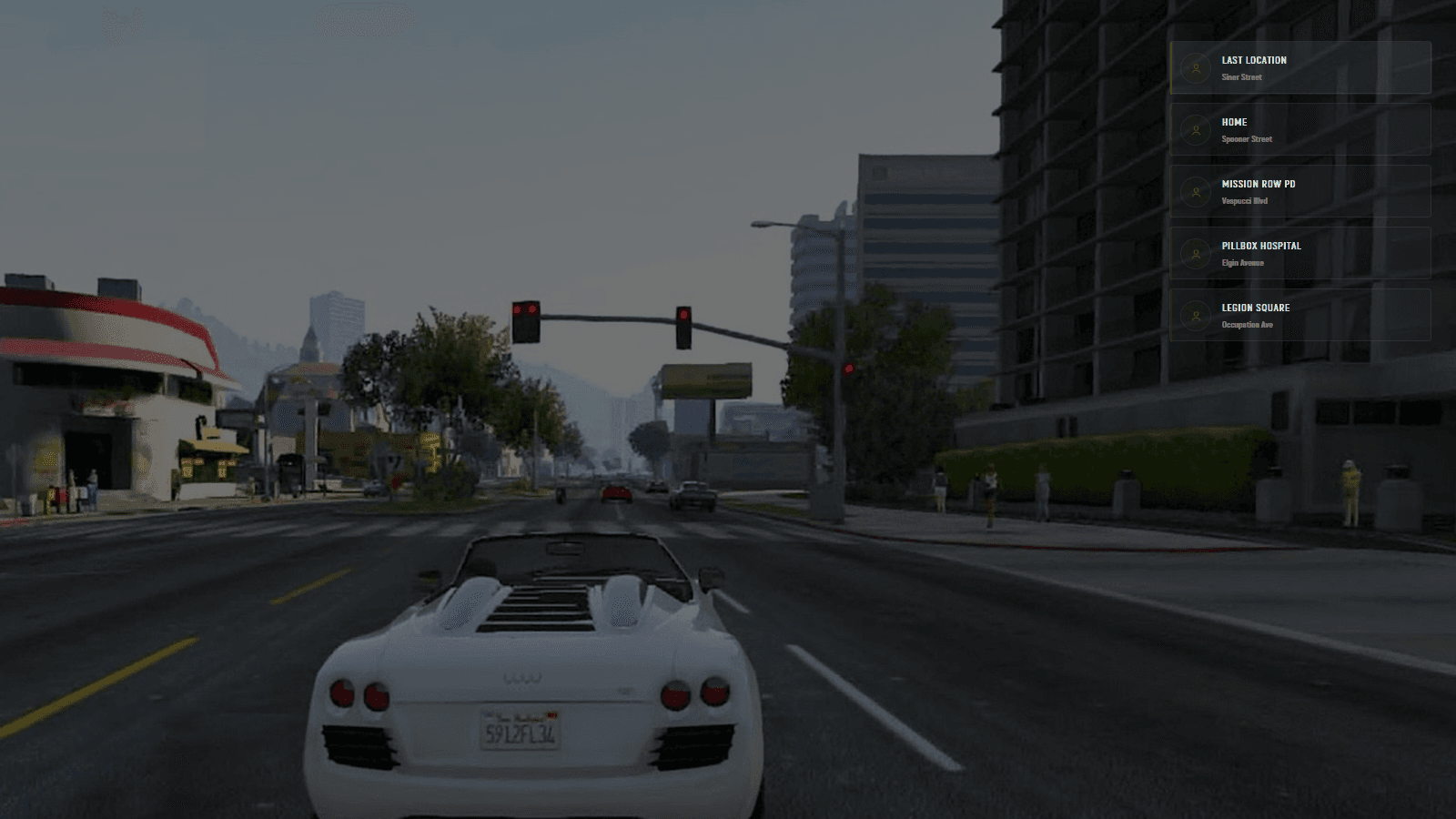
New looks for your server. Install one in a click, then change anything in game.
Featured
All designs
Install
On your server in about a minute
- 1Copy the codeOn any design’s page.
- 2Paste it in the panelConfig Studio → Designs.
- 3Make it liveOne click. No restart.
- 1Copy the codeOn any design’s page.
- 2Paste it in the panelConfig Studio → Designs.
- 3Make it liveOne click. No restart.
Design Studio
Change anything. No code.
Every design opens in Design Studio, the editor it was made in, in game, over your server.
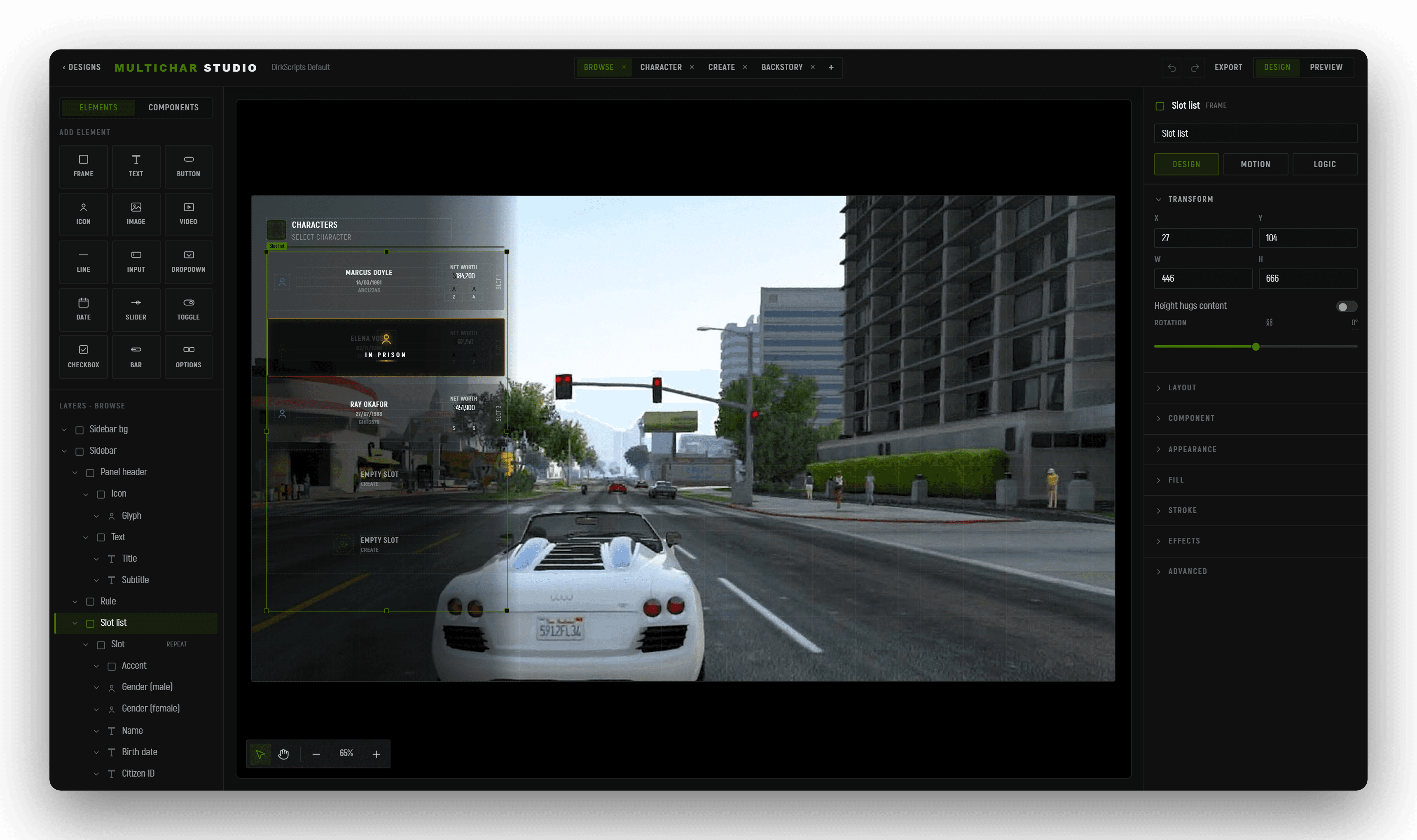
With your AI
Rather ask than drag?
Tell Claude or ChatGPT what you want and it changes the design for you. It lands in Design Studio, ready to tweak like any other.
We don’t supply the AI. It runs on your own account.
Make the names bigger
Hide the empty slots
Move the whole list to the right
Built something good?
See how it works →Publish your design to the shelf
Your design, its own page, your name on it.
- 1Connect your serverApprove it in your browser. Nothing to paste.
- 2Hit publishDesign Studio uploads it and takes the pictures.
- 3We take a lookReviewed, then live, with your name on it.
- 1Connect your serverApprove it in your browser. Nothing to paste.
- 2Hit publishDesign Studio uploads it and takes the pictures.
- 3We take a lookReviewed, then live, with your name on it.